☝ This tutorial assumes you know how to install plugins on WordPress
Adding Abtz Analytics to your WordPress website is super easy. Download and install Abtz Analytics plugin for WordPress, set the Embed Secret and Project Token, and enable the plugin. That's it.
Enable the plugin
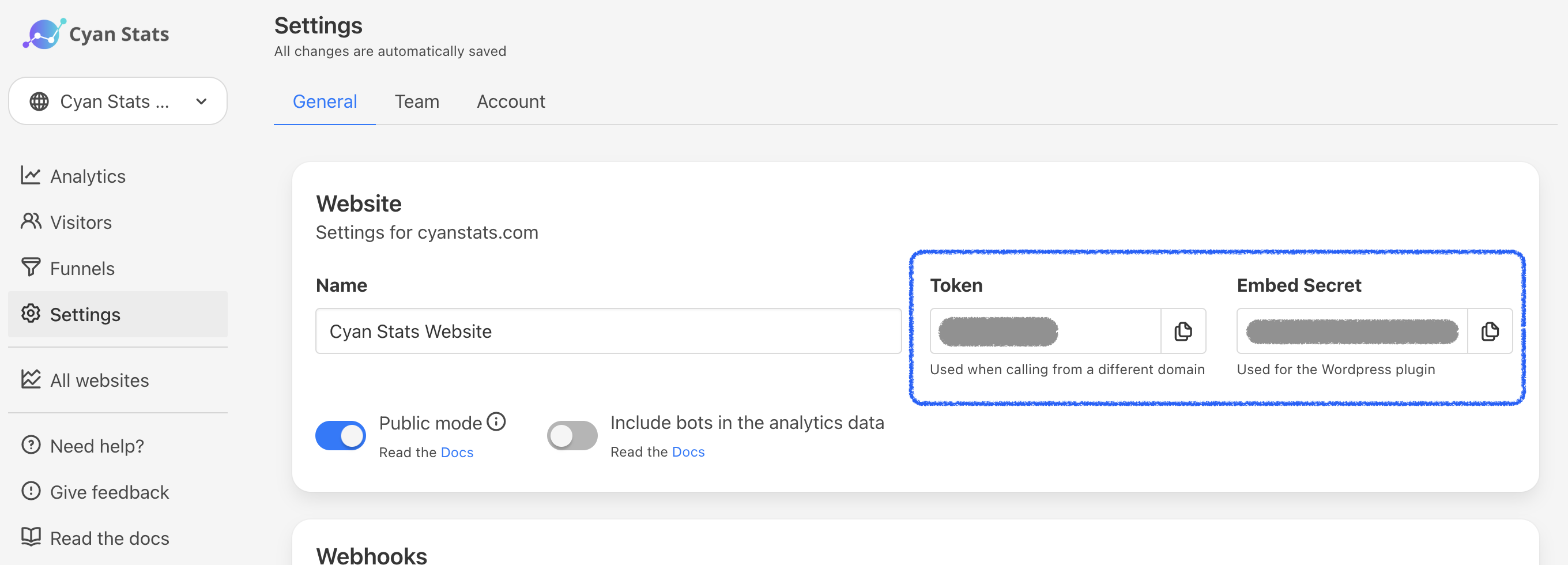
First you need to get your Project Token and Embed Secret. These keys can be found in the Settings Page from your project in Abtz Analytics.
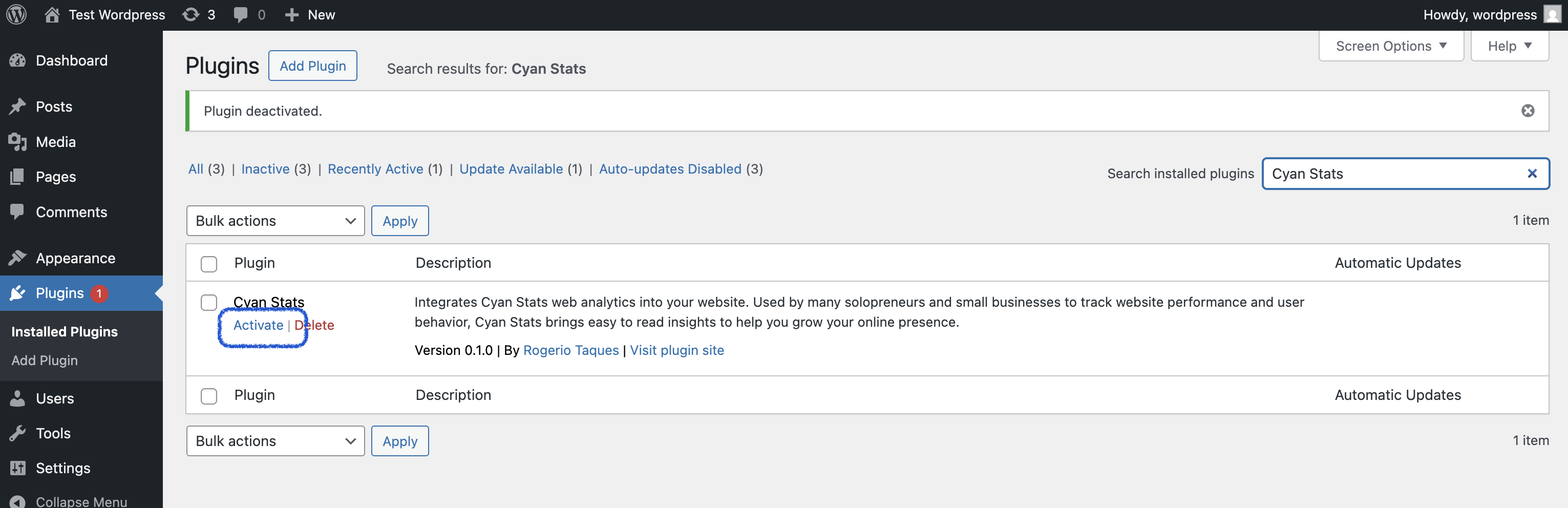
Then, once the plugin is installed in your WordPress website, you need to activate it from the WordPress Plugins Manager.
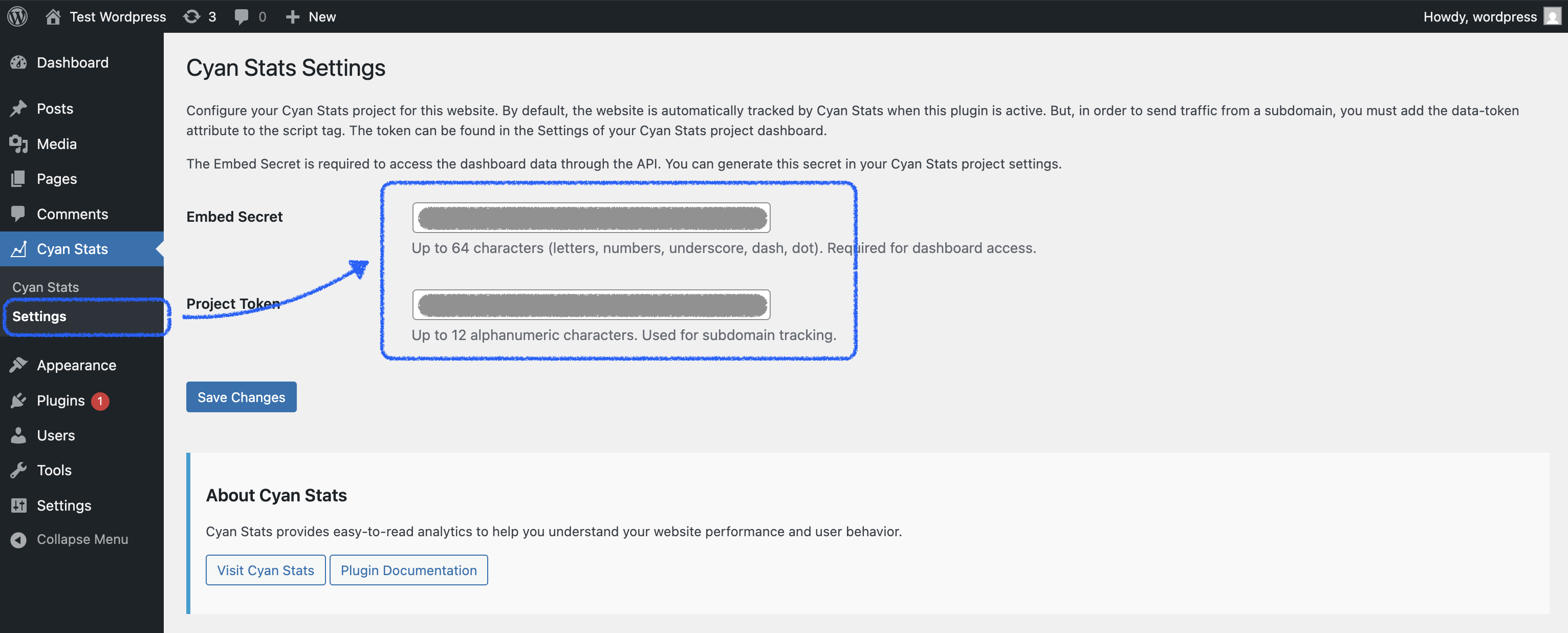
Then, set your keys in the Plugin Settings Page in WordPress.
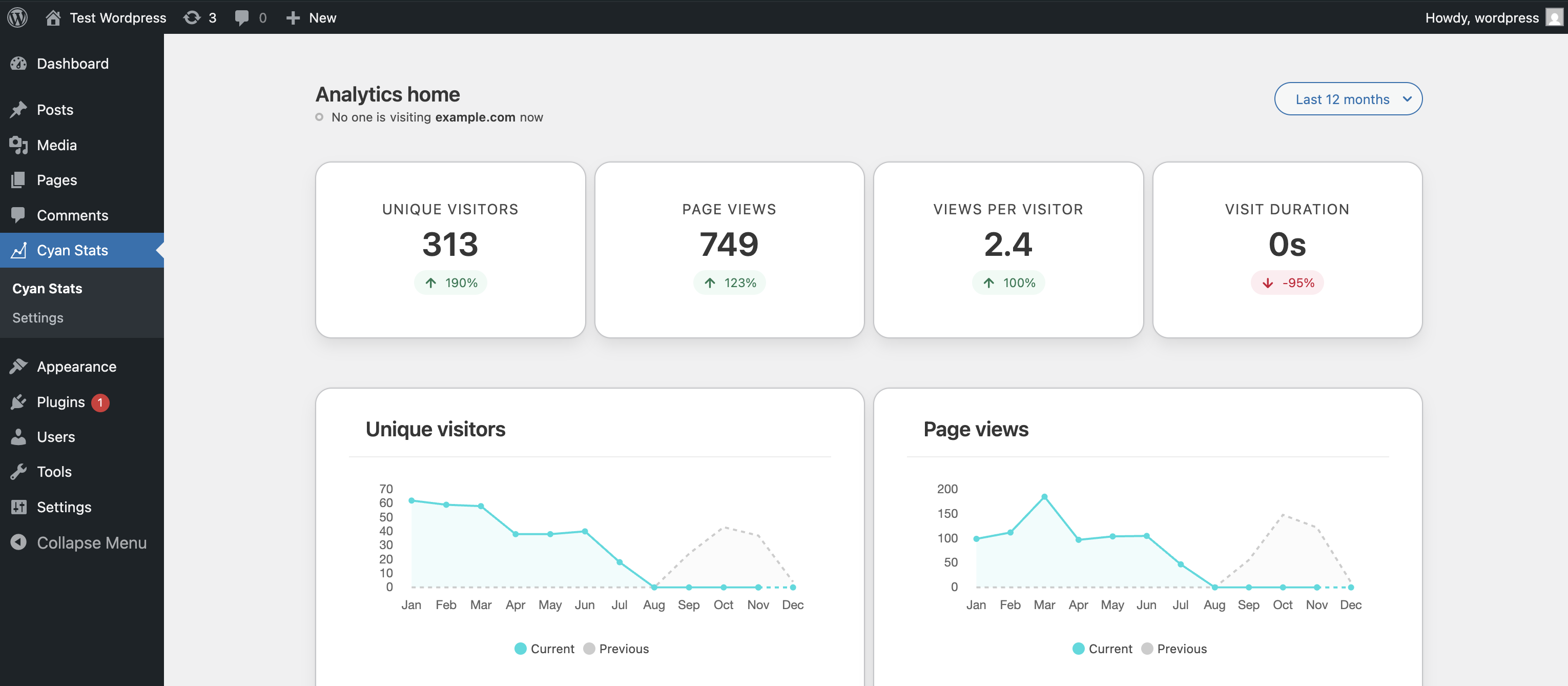
Great job! 🎉 You can now see your Abtz Analytics dashboard from your WordPress website.