Sometimes you may need to revoke access you have previously granted.
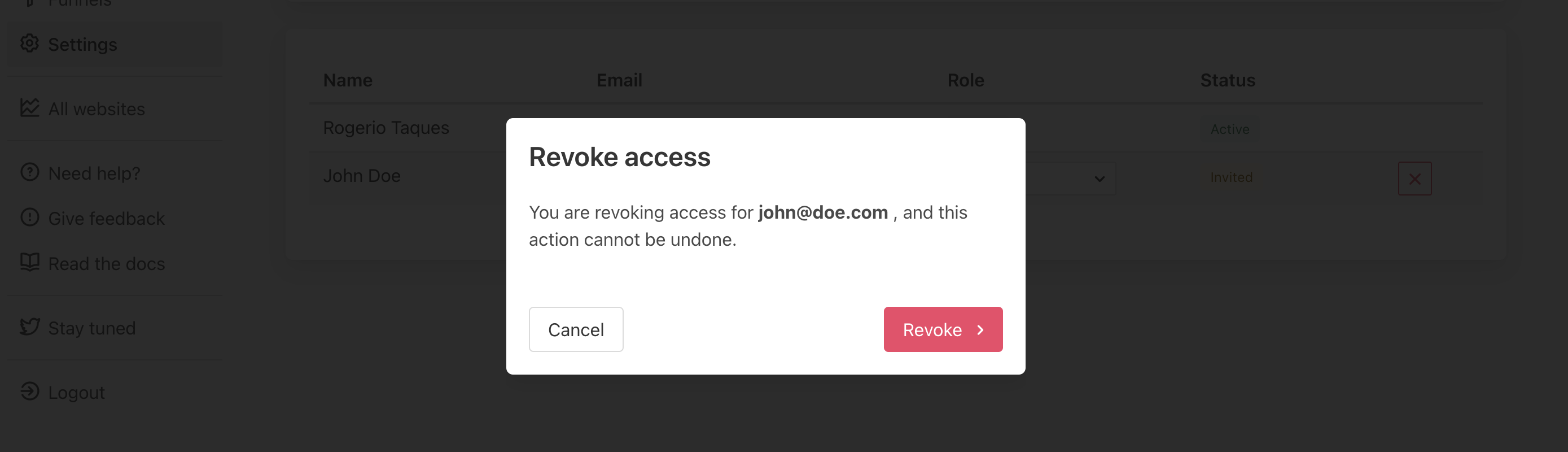
- Go to Settings → Team
- Find the invitee you want to revoke access
- Clique on Revoke access
- Confirm if the email address is correct
- Click on Revoke
- Done 🎉
🚨 This action can not be undone. Once revoked, to restore the access the person must be invited again to join your team and the invitation should be accepted, as before.